
Follow your curiosity
Explore a question. Get a clear summary, source links, and findings you can use.
Your own AI companions for the things you want to do.
A little help with the work. A little space for the rest.
Meet Otto, a Mac app for AI buddies that work with you. Give each buddy a role, connect an AI service, and tell it what you need.
A researcher for the curious questions. A planner for the busy weeks. A creative partner for the idea you keep coming back to.





Choose a face. Give it a name. Make it your own.
Describe the result. Add a file if you need to.
Otto gets to work, and you can follow along.
Explore a question. Get a clear summary, source links, and findings you can use.
Turn a file or an idea into a spreadsheet, report, chart, or small website.
Watch the browser, open the files, and check the result. Ask for changes in the same conversation.
Brain keeps useful preferences and project facts between tasks. Read, edit, or remove what each buddy remembers. Save a good process to use again.
Use a supported API key or sign in with a ChatGPT plan with Codex access. Bring supported app connections from your Mac and choose access for each buddy.
Each buddy has its own browser, files, and memory. Your work stays saved on your Mac, so you can return to it when you are ready.
Your work is stored on your Mac. AI requests and app actions use the services you connect.
Download Otto for your Mac. Open the installer and drag Otto to Applications. The tools it needs are included.
Use your ChatGPT plan or an API key from a supported service, such as OpenAI or Anthropic. Otto prepares your first buddy and model.
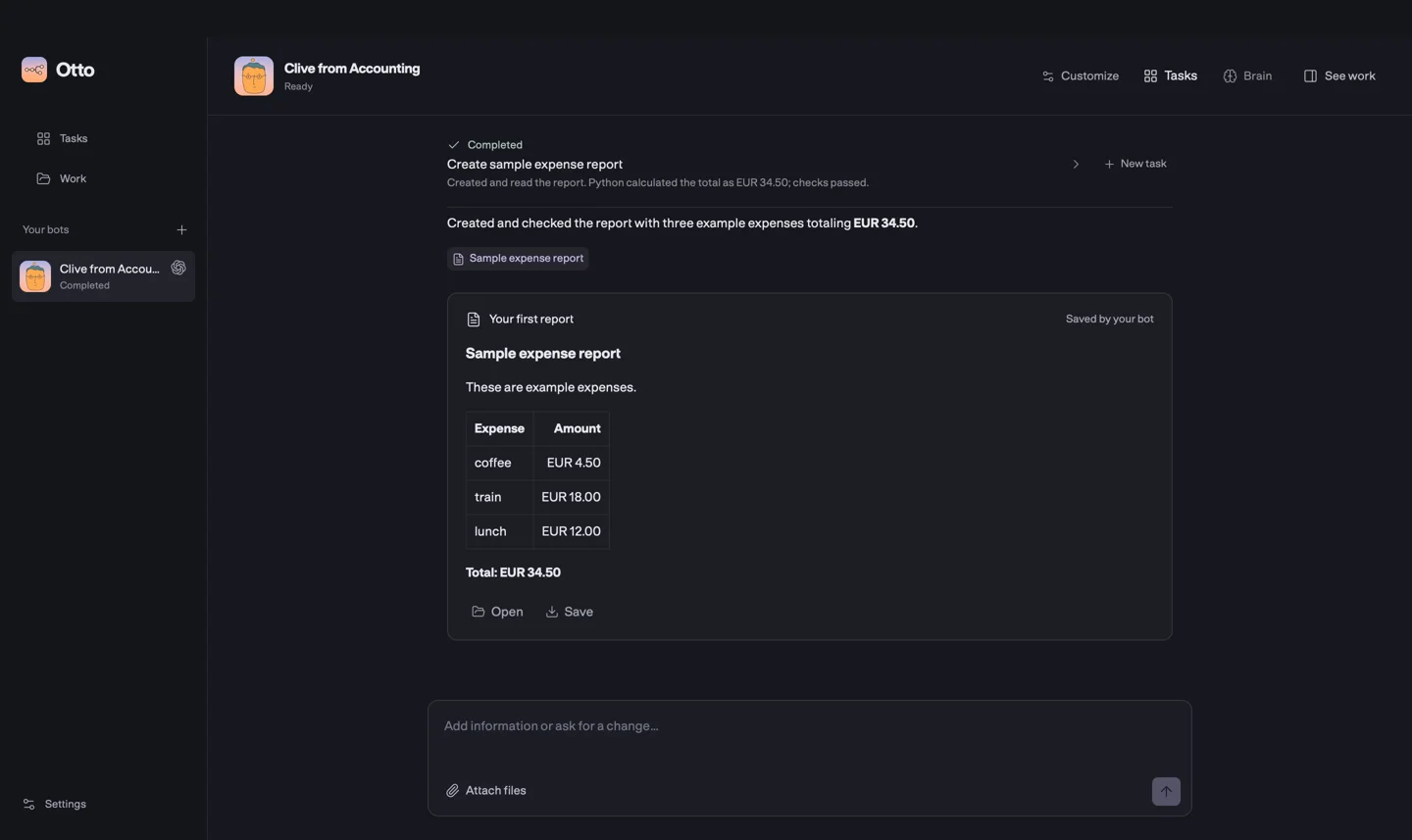
Try “Create a sample report,” or describe your own task. Open the result, save a copy, and make it yours.
Bring Otto home to your Mac.
macOS 13.5 or later · 16 GB free space
Find your chip in the Apple menu under About This Mac.
Download access. These downloads currently require GitHub access to the private Otto repository.
This release has no Apple notarization. macOS can block first launch. Your AI account’s plan limits or API charges apply.
Read the 0.7.0 release notesUse a ChatGPT plan with Codex access, or a supported API key, including OpenAI, Anthropic, and OpenRouter. You can choose a model for each buddy. Your provider’s charges or plan limits apply.
The Mac installer includes Otto’s local tools. You do not need a terminal or a separate Docker installation. First setup takes a few minutes. Connect an AI account to start.
Yes. Open Brain to read notes, check their sources, and correct or remove them. You can pause learning or turn memory use off. Brain uses the same model and AI connection as its buddy.
Choose Ask before changes to review supported app actions in chat. You can edit, approve, or decline them. Some actions do not yet support review. YOLO is the default, so choose your preferred mode before you start.
Your buddies, files, and conversations stay saved. Active tasks can continue while your Mac and Otto’s local services stay awake. Scheduled tasks also need an awake Mac. Notifications need Otto to stay open.
The current release is for Mac. There are separate installers for Apple silicon and Intel. Intel packages have been checked with Rosetta on an Apple silicon Mac; the full runtime has not been tested on Intel hardware.